Android 16’s Advanced Protection Mode will one-click enable these security features (APK teardown)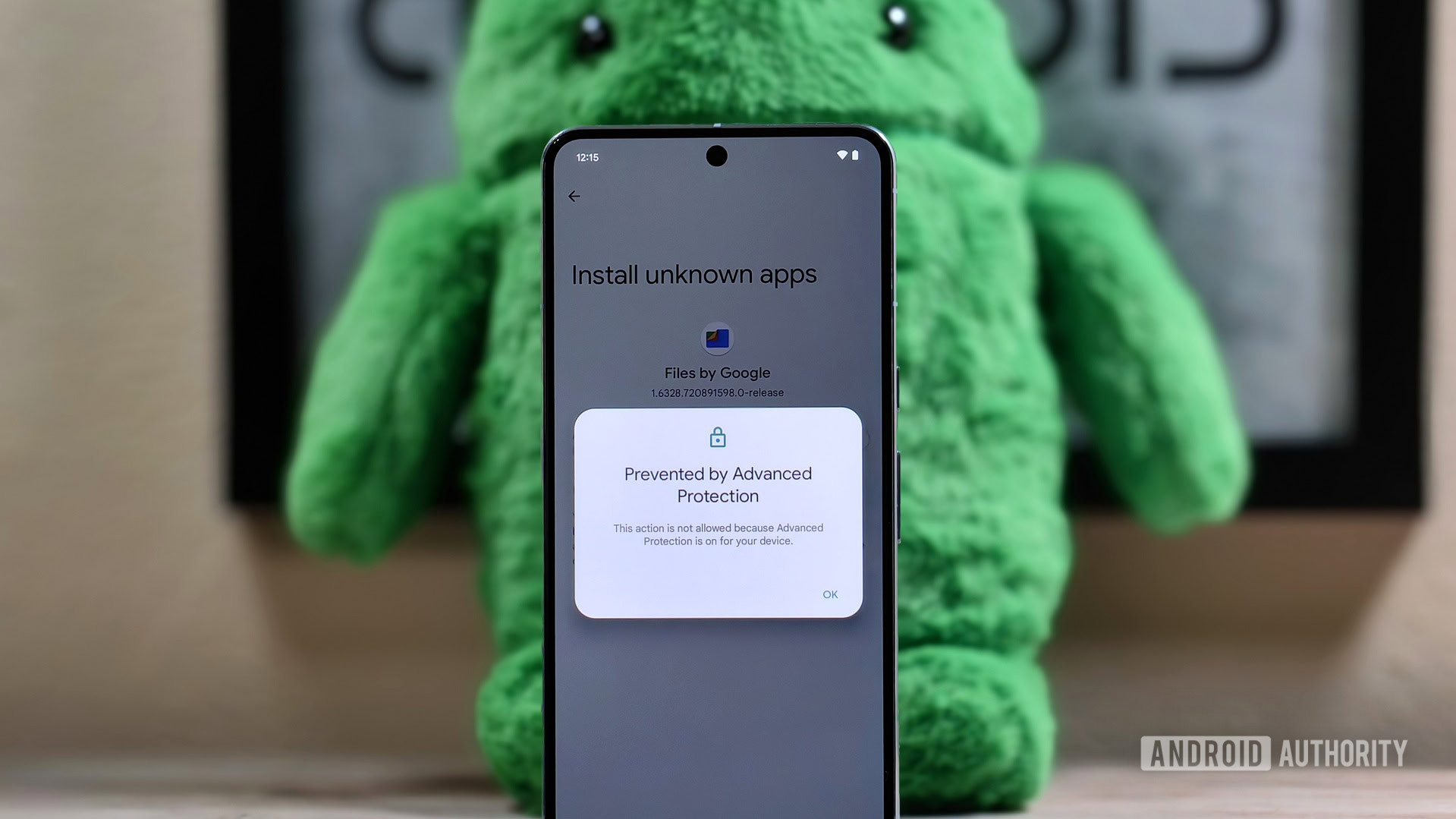
Credit: Mishaal Rahman / Android Authority
- Android 16’s Advanced Protection Mode will offer a one-click toggle that enables a plethora of security settings across the OS and even external apps.
- We’ve spotted the full list of security measures envisaged under Advanced Protection Mode so far.
- Advanced Protection Mode ties into Google Messages and Phone by Google, but we can expect more apps to join in when they incorporate the API.
Google is working on an upgraded Advanced Protection Mode for Android 16 that users will be able to enroll in through the Settings app. We already know this “security conscious protection mode” would block app sideloading, prevent 2G connectivity, and enable Memory Tagging Extension of apps. Installed apps will also be able to check your phone’s enrollment status and possibly implement further security measures. We’ve now learned more about the security measures that Advanced Protection Mode could bring and how some participating Android apps would enable further security features.
Google Play Services v25.15.31 beta includes code that sheds light on the features coming to Android 16’s Advanced Protection Mode. The features are listed in categories, so users will find them easier to understand when they enable Advanced Protection Mode.
Here are the features expected to arrive with Advanced Protection Mode:
- Network & Wi-Fi: Prevents insecure connections
- Block 2G networks
- Prevent WEP connections
- Web: Protects against unsafe websites
- Android Safe Browsing – Blocks harmful web pages
- Chrome browsing – Warns you before you visit non-HTTPS sites
- Javascript protection – Turns off some advanced capabilities to reduce risk
- Apps: Protects against memory bugs & unsafe apps
- Play Protect
- Memory tagging extension
- Block sideloading
- Device Theft: Safeguards lost, stolen, or confiscated devices
- Theft protection
- Offline Device Lock
- Device inactivity reboot (every 3 days)
- Phone by Google: Protects against spam calls
- Automatic Call Screen – Screens calls & declines spam
- Caller ID & spam – Identifies business and spam numbers
- Google Messages: Protects against scams and spam
- Spam protection – Filters spam from your inbox
- Unsafe links – Warns you about links from unknown senders
Google will turn on all of these features automatically when you enable Advanced Protection Mode on Android 16. There are unlikely to be separate toggles for each feature on this specific Settings page. However, you should also be able to locate the features separately in other parts of Settings and app settings (like for Google Messages and Phone by Google).
Through code, we now learn that Advanced Protection Mode will also block WEP Wi-Fi connections. It will also turn on JavaScript protection alongside the whole suite of Device Theft protection features, including device inactivity reboot, which recently began rolling out.
Further, since apps can check if you are enrolled in Advanced Protection Mode, they can toggle some of their own security features. We see this for Phone by Google, which will enable Automatic Call Screen and Caller ID and spam features, while Google Messages will enable Spam protection and Unsafe links features.
It’s great to see Google double down on Android device security. Most users wouldn’t even realize their Android device has these features, so a convenient one-click toggle is perfect for safeguarding more people from the perils of our scam-infested world. Hopefully, more apps join in and use the AdvancedProtectionManager API to participate in this endeavor.
Advanced Protection Mode is not currently rolling out. We’ll keep you updated when we learn more.
Source:
Android 16’s Advanced Protection Mode will one-click enable these security features (APK teardown)


 Topic: Android 16’s Advanced Protection Mode will one-click enable these security features (APK teardown) (Read 319 times)
 Similar topics (5)

 July 17, 2015, 03:03:18 PM