While Google Chrome is the leading browser on both desktop and mobile, Mozilla Firefox continues to be the runner-up on PCs across the world.
And there’s a good reason for this, as Firefox remains a super-reliable browser that’s pretty much the only alternative to Chromium, in general, and Google Chrome, in particular.
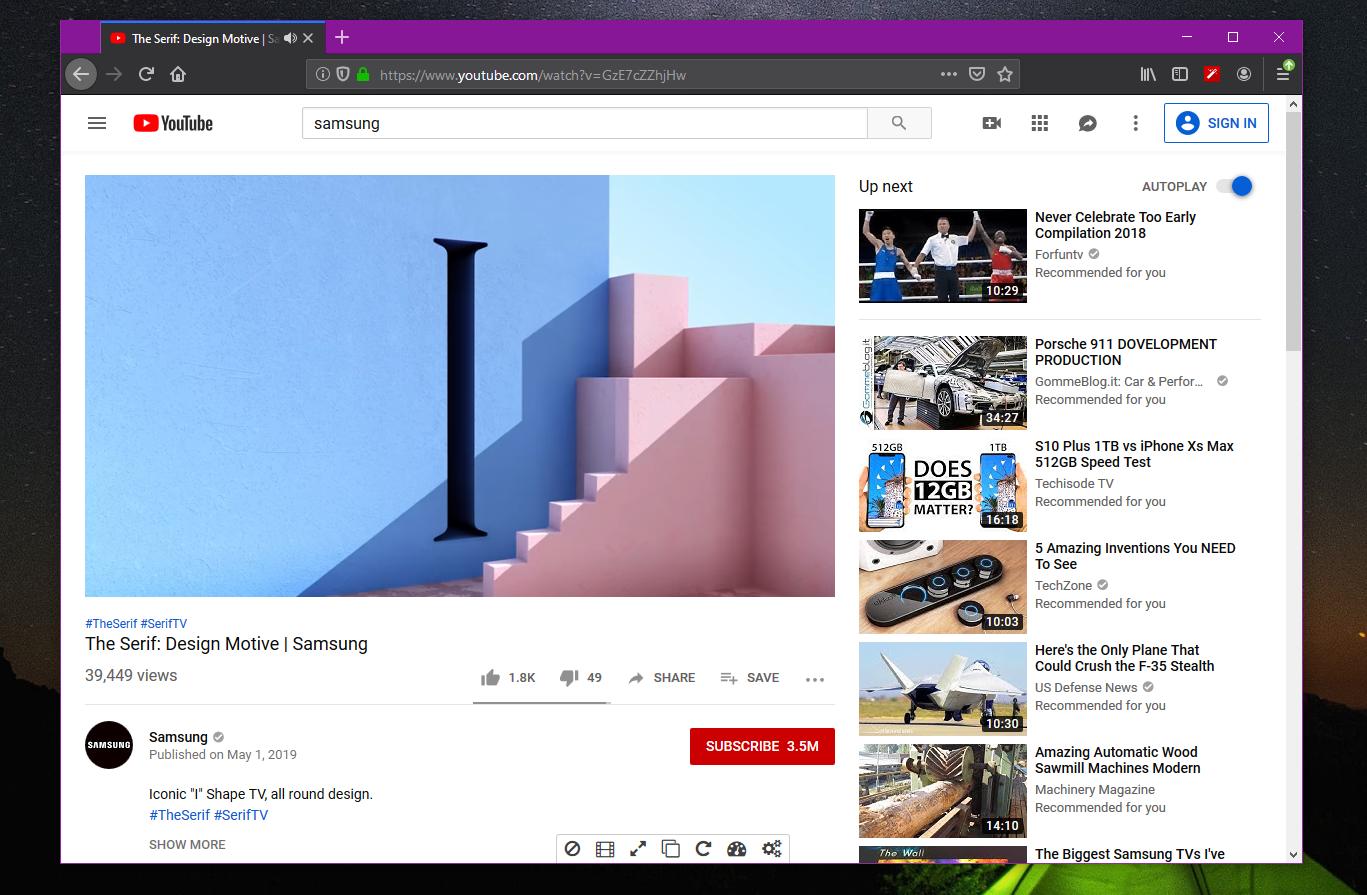
One of the issues that I’ve seen people hitting occasionally concerns what can be best described as a screen flickering on YouTube.
Everybody uses YouTube these days, either frequently or occasionally, so it goes without saying that the smallest issue breaking down the online video platform is frustrating, to say the least.
In the case of Firefox, one of the most common problems is this screen flickering that makes videos on YouTube unwatchable.
While it’s pretty difficult to determine the cause of the bug, mostly because it could be different from one device to another, in many cases, it’s the video drivers the ones to blame. And because it often takes too long before new drivers are published to resolve such issues, there’s a simple flag in Firefox that could help you deal with potential screen flickering on YouTube.
Fixing screen flickering in Firefox
First and foremost, it’s important to know that doing this doesn’t guarantee that the screen flickering is gone, but it’s one workaround that’s worth trying, that’s for sure.
Then, because it involves disabling hardware acceleration, you should revert the changes once your video drivers are updated, at least to check if the issues are fixed.
To disable hardware acceleration in Mozilla Firefox, here’s what you need to do.
Launch the browser and make sure that you are running the latest version of Firefox – you can check Softpedia’s Firefox page to always be sure that your version isn’t outdated.
Then, in the address bar in Firefox, type the following command to access the flags screen:
about:config
Click yes when prompted because you “understand the risks” of playing with the more advanced configuration settings of Mozilla Firefox, and then in the search box, look for the following flag:
layers.acceleration.disabled
By default, this option should come enabled (true) in Mozilla Firefox, so toggle it to false to disable it.
You’re going to need to reboot Firefox to check for changes on YouTube, so make sure you save your work before doing this. Restart the browser and then head over to YouTube to check if the screen flickering still happens.
If it doesn’t, then this is pretty much the workaround, and the only thing you can do right now is to wait for updated drivers from your manufacturer.
Fixing screen flickering in Firefox
There are other issues that could cause screen flickering in Firefox, and in some cases, they could be related to the operating system that you’re running.
For example, as I explained several months ago, Google Chrome users also experienced screen flickering on YouTube and on other websites due to Windows Slideshow, a built-in Windows 10 feature that somehow interfered with the settings of the browser. Disabling the automatic color selection on Windows 10 was the workaround in that case, so make sure that you check your OS settings when looking for a way to fix the screen flickering.
One way to determine if the issue is related to the browser or not is to check if the screen flickering happens in other applications as well. If you’re on Windows 10, you can try loading a YouTube video in Microsoft Edge, which comes pre-installed in the operating system. If the same issue is experienced regardless of the browser, you can try installing an older version of the graphics drivers.


 Topic: How to Fix YouTube Flickering Screen in Mozilla Firefox (Read 13751 times)
 Similar topics (5)

 June 19, 2019, 07:31:49 AM